Edit right on the page
Add, move and delete tiles where you see them. Set rows, columns, tile shape, spacing, borders and titles.
Quick Dial NG turns Firefox's new tab and home page into a grid of picture tiles built from your own bookmarks. It's fast, it looks good, and it keeps everything on your computer.
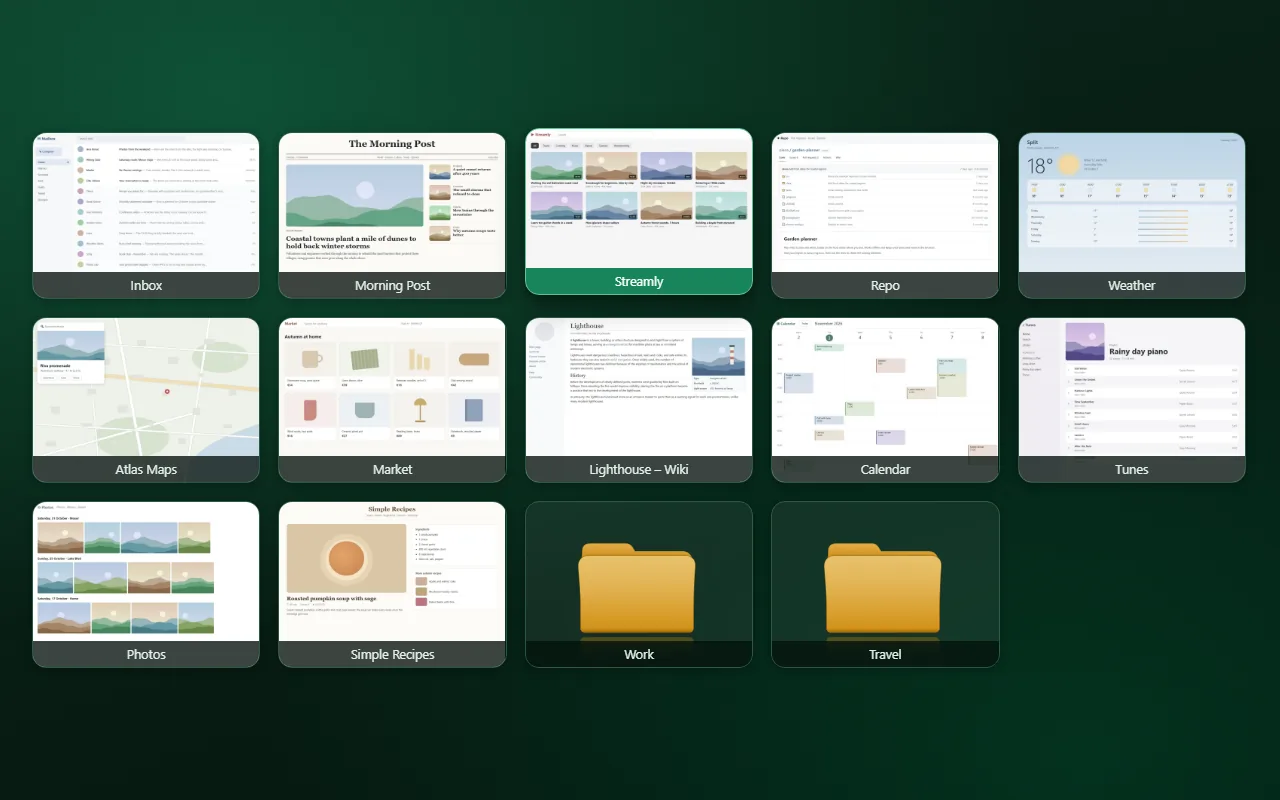
There's no separate list to keep up. Every tile is a bookmark in one folder, so the dial always matches your bookmarks, and Firefox Sync brings it to your other computers.
Arrange tiles right on the page, style them the way you like, and switch the whole look in one click.
Add, move and delete tiles where you see them. Set rows, columns, tile shape, spacing, borders and titles.
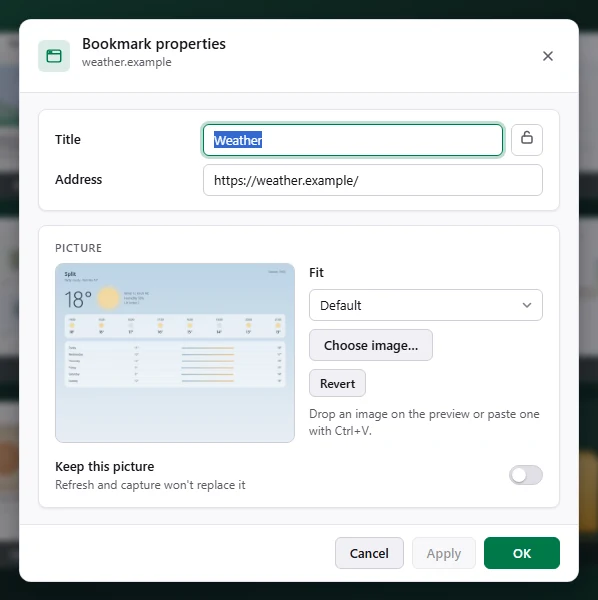
"Capture in a new tab" takes a screenshot of the site while you're signed in. Or upload, drag in or paste your own.
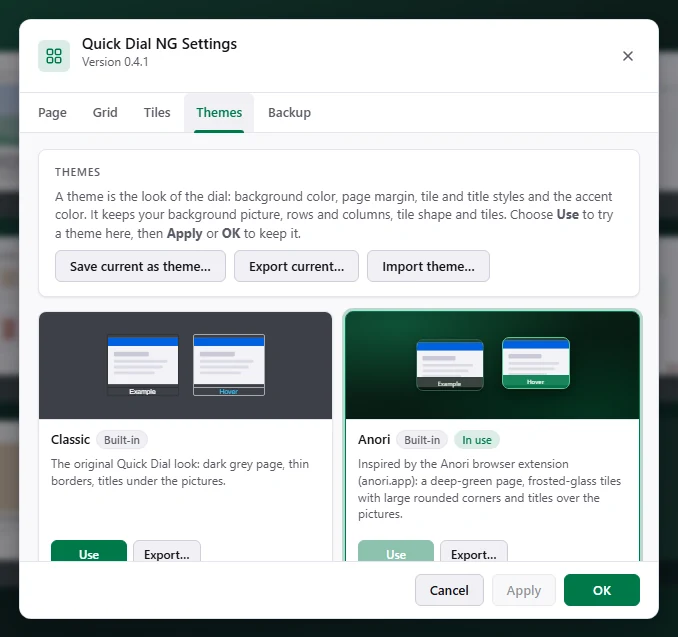
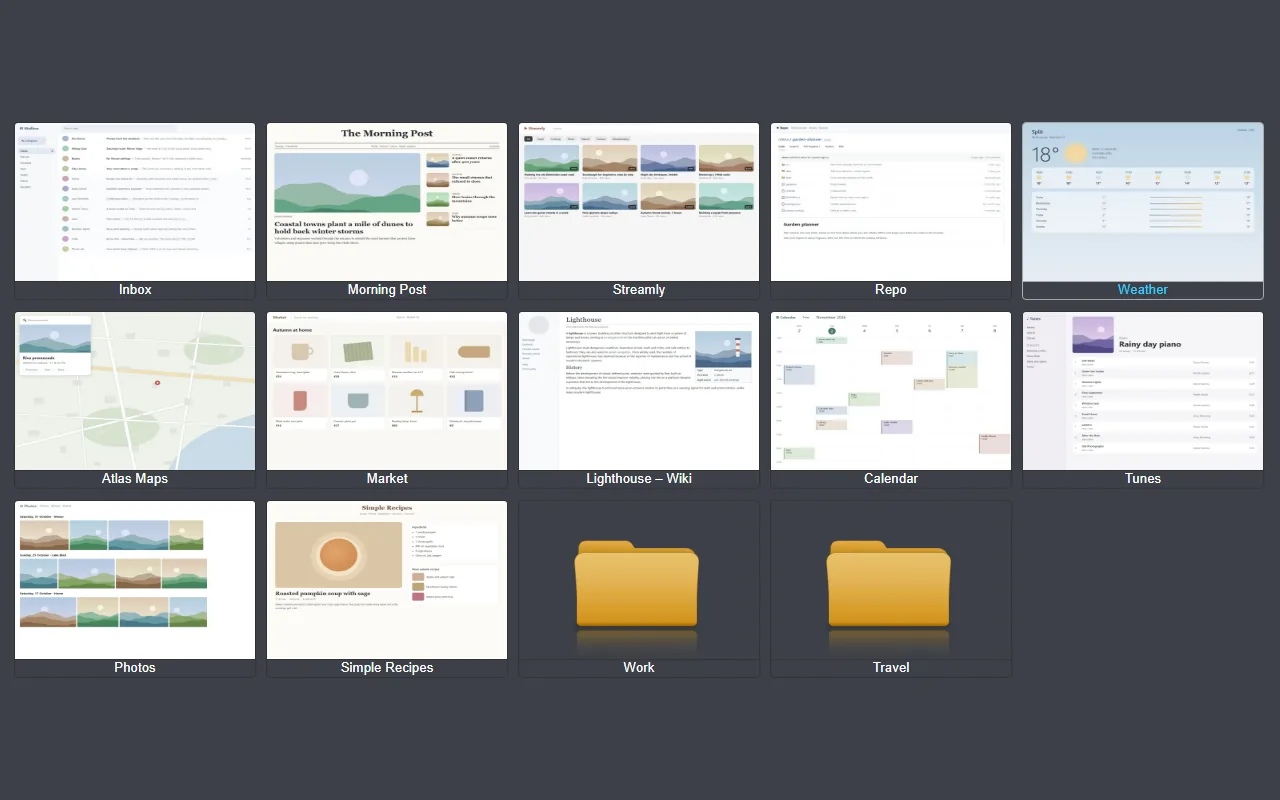
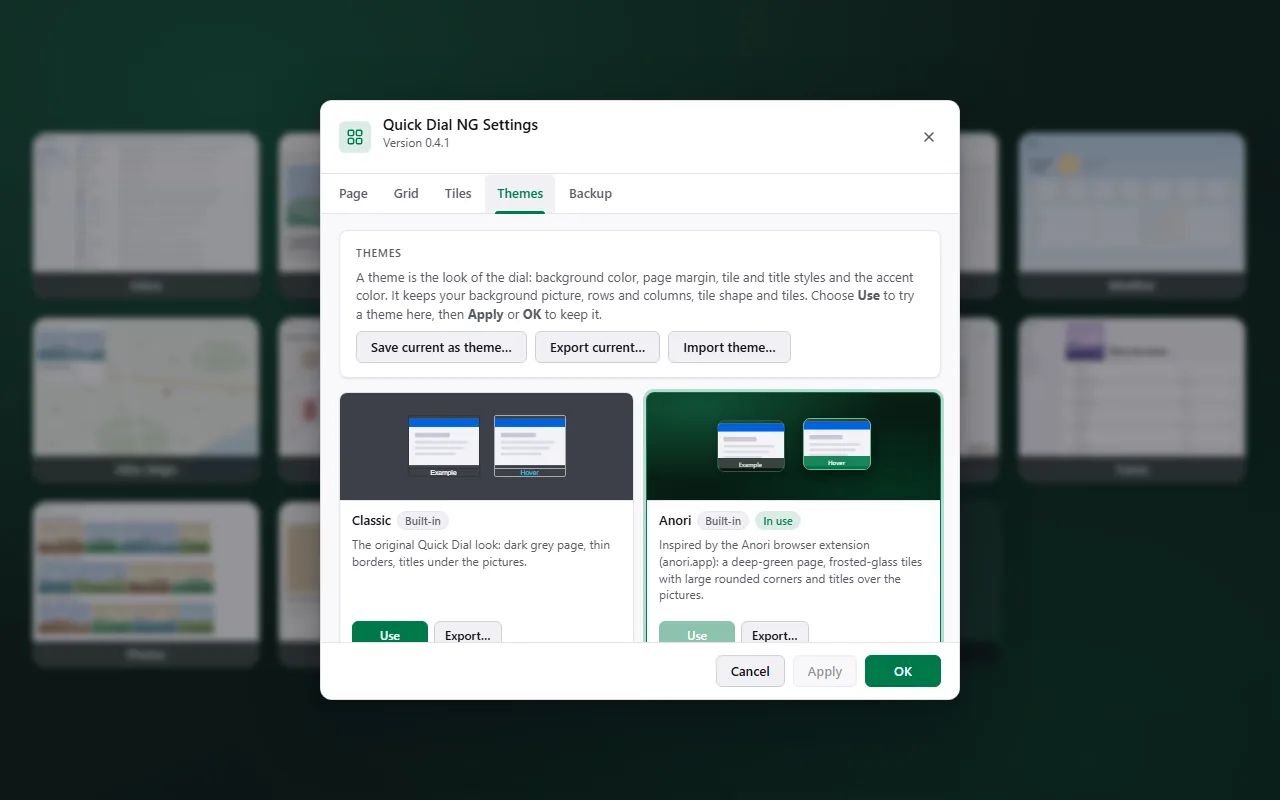
Classic and Anori built in. Save your own look as a theme, and export or import themes as .json files.
Frosted tiles with adjustable blur and opacity, soft shadows, smooth hover effects, title fonts and titles over the picture.
One file holds tiles, pictures, settings and themes. Import from the original Quick Dial with every tile in its place.
Settings and dialogs follow Firefox's light or dark mode, with an accent colour you choose.
Quick Dial NG is an independent fork of MatMoul's Quick Dial. It works the same way, but its storage was redone from scratch. Measured on a real profile with 73 tiles:
The settings and tile record Firefox loads at launch
PNG inside one record, versus WebP stored per tile
Seconds after Firefox launches
| Measure | Original | Quick Dial NG |
|---|---|---|
| Record read (and rewritten) at every start | 21 MB | a few KB, nothing written |
| Tile pictures on disk | 10.5 MB (PNG) | about 1.5 MB (WebP) |
| Start tab begins loading after launch | 2.1 s | 0.8 s |
A theme sets the background, tile and title styles and the accent colour. It never touches your picture, grid or tiles. Try one in Settings, then apply it, or keep your own.
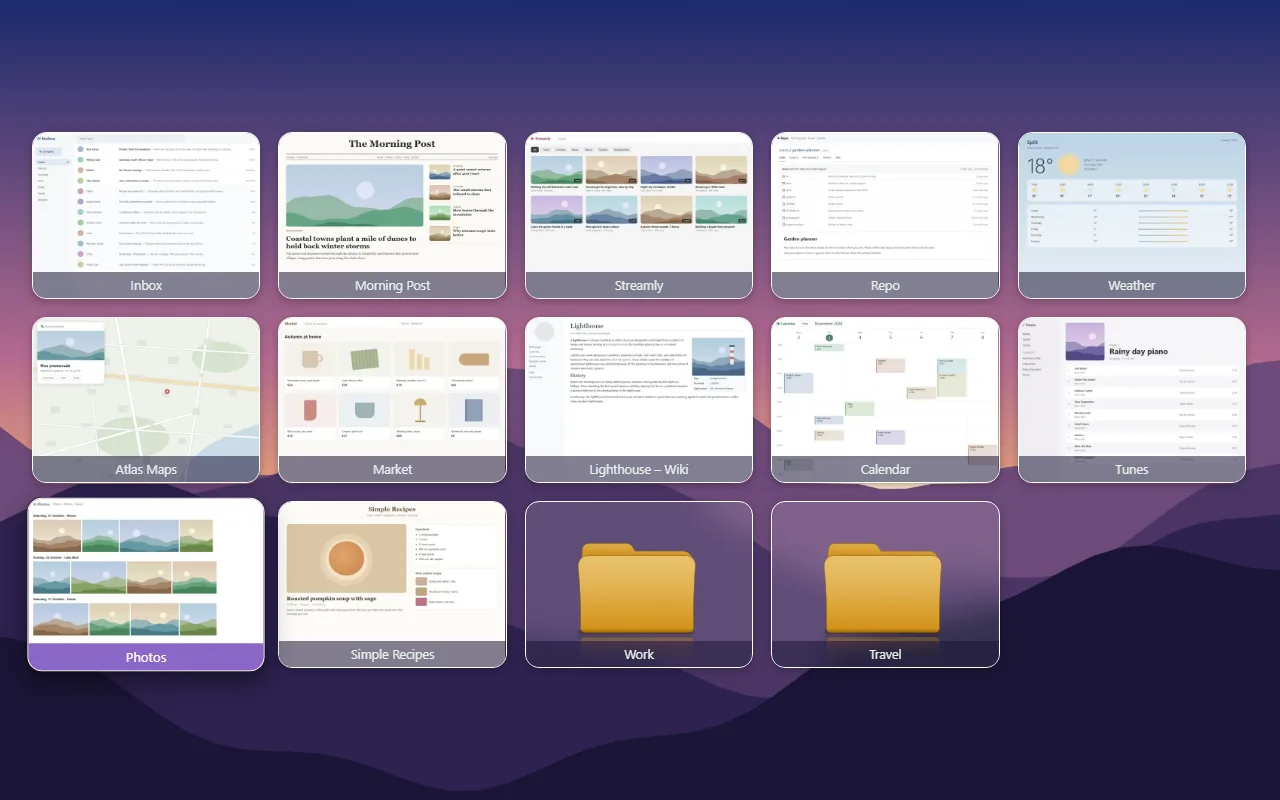
Your tiles are your bookmarks. Settings and pictures live in the extension's storage in your Firefox profile. There's no server, no analytics and no account.
Yes. It's free and open source under the Mozilla Public License 2.0, the same license as the original Quick Dial. No ads, no accounts, no paid features.
No. It collects nothing and sends nothing anywhere. Settings and pictures stay in your Firefox profile, and the tiles are your own bookmarks. See privacy & permissions.
Yes. Right-click the Quick Dial NG page and choose Import from Quick Dial…. Tiles keep their exact grid places, pictures, folders and settings. The step-by-step guide takes about two minutes.
The tiles are bookmarks in one folder, so Firefox Sync carries them to your other computers. Pictures stay on each computer; use Export backup to copy everything, pictures included.
No. It's made for Firefox on the desktop, version 140 or later. Firefox for Android doesn't let extensions replace the new tab or home page.
Quick Dial NG sets itself as the home page, and Firefox asks once whether to keep that. To use another page later, go to Firefox Settings › Home.
Install from Firefox Add-ons in one click. Updates arrive on their own.